
Baskets
Baskets trade a whole narrative
A pair is one long against one short. A basket is many longs against many shorts, held as a single position on the combined ratio. If a pair lets you say “SOL beats ETH,” a basket lets you say “majors beat memecoins” in one trade, with one PnL, one funding number, and one set of risk controls.
 Under the hood it’s the same primitive: a pair is just the simplest basket (one leg per side). A basket can run up to 15 legs per position (both sides combined).
Basket vs pair: the model
- Sides. A long side (green) and a short side (red). An asset can be on one side or the other, never both.
- Weights. Each leg carries a weight. You set them as percentages per side in the UI; Orchard normalizes them to fractions that sum to one across the whole basket, then to notional. Each weight is that leg’s share of the basket’s total USD size. Weights are click-to-edit, and a Rebalance Weight control evens them out.
- Leverage. Set leverage per leg, or take the suggested leverage on a market basket.
Three kinds of basket
- Custom baskets: build your own in the token picker. Two panels, Long Assets and Short Assets; filter by category chips (Crypto, Equities, FX, Commodities, Indices), or flip to the Pairs tab and hit Fill Basket to drop both sides of a ready pair in at once. Reorder, reweight, and set per-leg leverage. Name it, save it, or copy a share link.
- Saved baskets: Save any basket to your account (it lives on your Pear V3 account, not just your browser, so it follows you across devices) and reload it later with its exact weights. Share a saved basket with a link that renders a preview card.
- AI Prepopulated baskets: Ready-made, AI-generated narrative baskets in the Baskets panel, refreshed regularly.
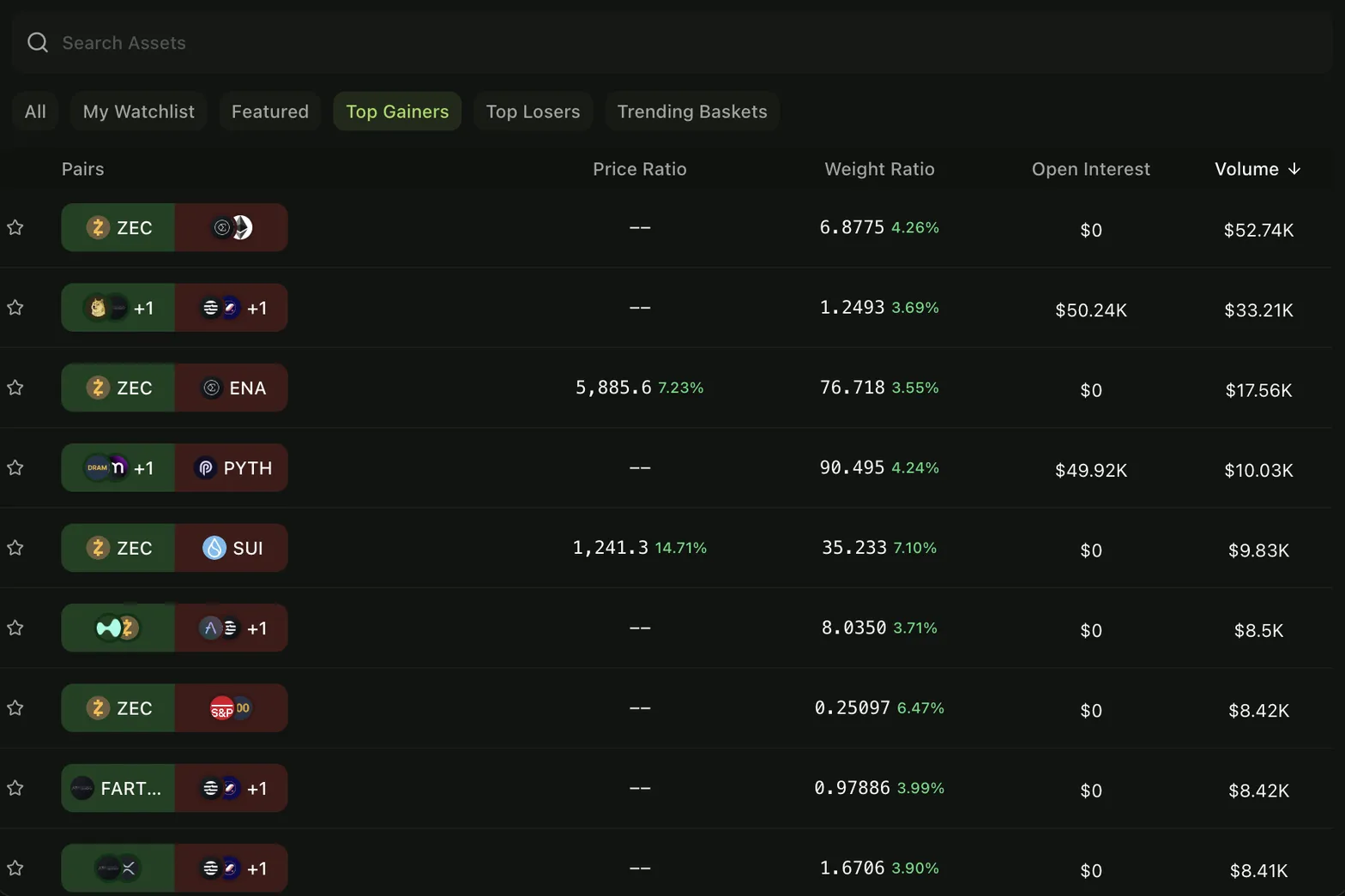
Each card shows the stats below plus a thesis, and opens straight into a trade (or into a chat, Ask Agent Pear about any basket). New here? Orchard even pre-fills a starter basket so you’re never staring at a blank screen.
The stats that matter
Every pair and basket in Orchard is scored on the relationships that make relative-value trades work. These are computed for you and shown on the Agent Stats panel (with 1H / 4H / 1D windows) and on every market-basket card:
- Correlation: how tightly the two sides move together (Pearson, −1 to +1). Validates that there’s a real relationship to trade.
- Cointegration: whether the spread has a long-term, mean-reverting relationship (Yes/No). The backbone of statistical arbitrage: cointegrated spreads tend to revert even when they wander.
- Rolling Z-score: how far the current spread sits from its rolling mean, in standard deviations. Entry/exit lives around thresholds like ±2σ.
- Hedge ratio (beta): the rolling ratio that tells you how to size the long and short legs to stay beta-neutral. Surfaced as the beta split, and you can size a trade with Use beta ratio in one tap.
- Volatility: the standard deviation of the spread’s log returns; informs sizing and risk.
- Suggested leverage: Agent Pear’s recommended leverage for the basket, with a written rationale.