
Overview
Build pair and basket trading across Hyperliquid, Binance, Bybit, OKX, and Lighter through one V3 gateway.
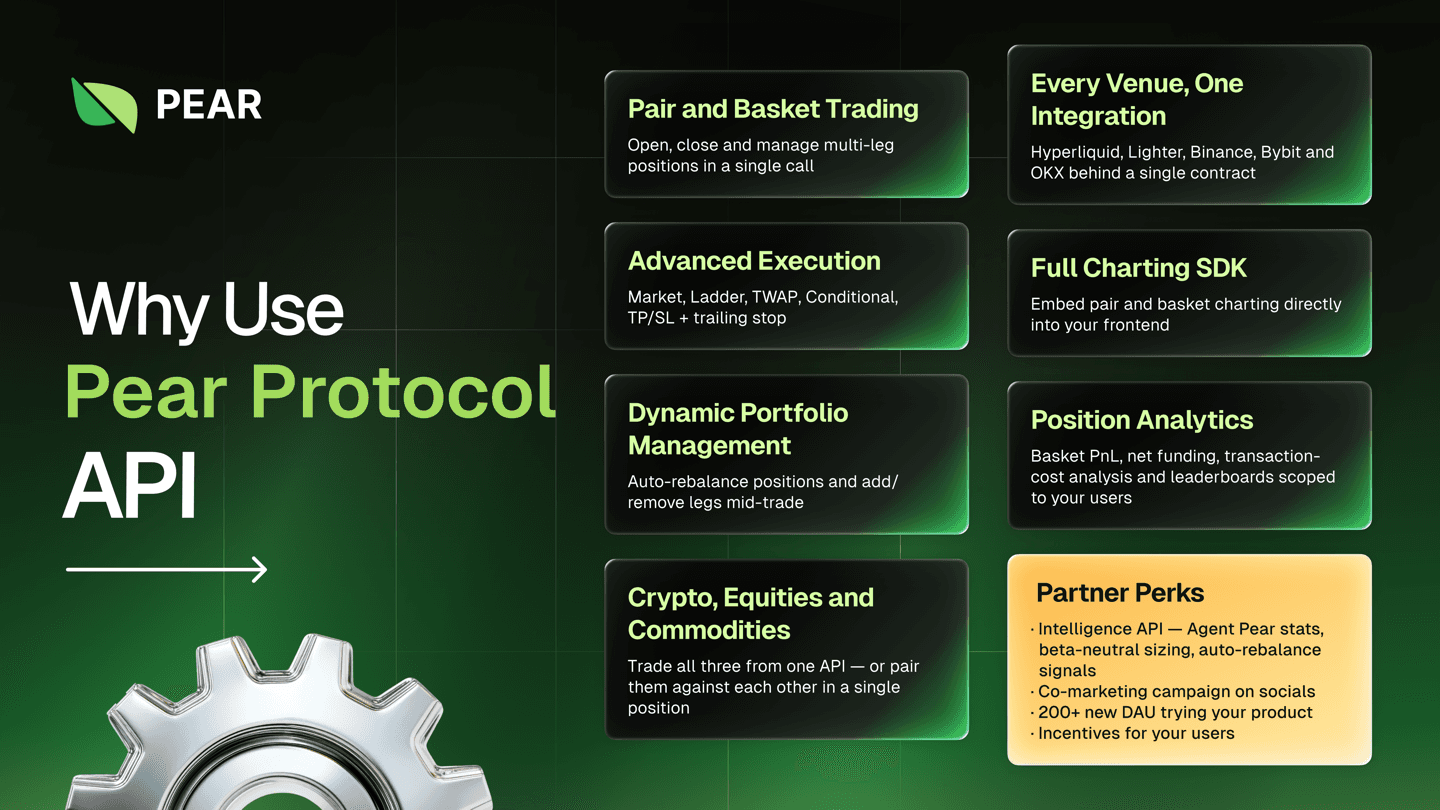
Pear Protocol provides a developer-friendly API for building pair and basket trading across multiple exchanges — Hyperliquid, Binance, Bybit, OKX, and Lighter — from a single integration, suitable for web apps, mobile apps, bots (e.g., Telegram), agents, or direct server-side integration. The V3 gateway abstracts venue-specific execution, margin, and funding behind one multi-exchange contract.
Base URL
All requests go through the V3 gateway:
https://pro-gateway.pearprotocol.ioA single gateway fronts the authentication, trading, and market-data services. Every endpoint has its own page in the API Specification, generated from the gateway's OpenAPI spec, where you can also send the request from the page.
Two ways to integrate
- REST + WebSocket, authenticate, connect a trade account, and call the gateway directly. Best for custom apps and server-side bots. This section covers it.
- MCP (for agents), LLM agents connect over the Orchard MCP server (OAuth 2.0) and use the same market-intelligence and trading capabilities as tools, with a confirm-before-execute model.
Most REST integrations use the TypeScript SDK (@pear-protocol/core-sdk) rather than raw HTTP; it wraps authentication, trade-account scoping, and the fully typed REST surface.
The SDK packages
Pear publishes three SDKs. They answer different questions, and only the first one talks to the V3 gateway.
| Package | Talks to | Use it for |
|---|---|---|
@pear-protocol/core-sdk | The Pear gateway | Everything in this section: auth, trade accounts, baskets, orders, positions, history. |
@pear-protocol/market-sdk | The exchanges, directly | Charts, order books, and historical funding. See Market Data. |
@pear-protocol/exchanges-sdk | The exchanges, directly | The venue account itself: balance, positions, leverage, and how large a basket it can open. See Venue Accounts. |
@pear-protocol/types carries the Zod schemas and DTOs the three share, and @pear-protocol/utils the helpers.
Only core-sdk is required. Reach for the other two when the gateway does not hold what you need: it serves normalized market data and Pear's own basket positions, not exchange-native chart candles, order books, or raw venue account state.
npm install @pear-protocol/core-sdk @pear-protocol/typesAuthentication at a glance
The gateway accepts three transports:
- API key,
x-api-key: <key>for trusted server-side integrations. Mint a key once withPOST /api-keysfrom a signed-in first-party session. Key management is session-only: an API key or an OAuth grant cannot mint or revoke a key. Using the key afterwards needs no session.scopedefaults toread; ask forread_writeif the integration trades. - User login, a user signs in and you get a session (cookie) or bearer token. Three ways in, all ending at the same session: a wallet (
POST /auth/nonce→ sign the returned message →POST /auth/login), email and password (POST /auth/login), or Sign in with X, a browser redirect flow ending atPOST /auth/login/x/exchange. X sign-in never creates an account, so it only works once the user has linked X to an existing one. The session then authenticates subsequent requests. - OAuth 2.0, delegated access where a user grants your app permission; this is how the Orchard MCP connects agents.
Every account-scoped request also carries x-trade-account-id to select which connected exchange account to read from or trade on. See Access Management.
Trade accounts
A trade account links your Pear identity to one exchange account: Hyperliquid, Binance, Bybit, OKX, and Lighter. You connect and manage trade accounts once; thereafter every trading call is scoped to a trade account by its id. Exchange credentials are stored encrypted, and one endpoint returns them decrypted to the account's owner. See Trade Accounts.
Each venue has its own setup before the credentials work: Hyperliquid needs a deposit and two on-chain approvals, Lighter needs a deposit that registers the account plus an API key and an integrator approval, and the three CEXs need only API keys. Bybit takes one key pair, OKX takes one key pair plus a passphrase, and Binance takes two key pairs, one read and one write. See Connect an Exchange.
Attribution
If Pear issued your integration a client ID, send it as clientId on every trading call. Pear then attributes that volume to you, and the statistics endpoints return your own volume, open interest, users, and leaderboard when you pass the same code. See Client ID.
Your first trade
Three calls open a long BTC / short ETH pair on Hyperliquid. Step 3 writes, so $PEAR_API_KEY must be a read_write key; a read key returns 403 API key does not have write access.
# 1. Find the trade account to trade on
curl "https://pro-gateway.pearprotocol.io/trade-accounts" \
  -H "x-api-key: $PEAR_API_KEY"

# 2. Resolve tickers to instrument IDs (BTC -> "0", ETH -> "1")
curl "https://pro-gateway.pearprotocol.io/instruments/symbol-to-id-map?connector=hyperliquid"

# 3. Open the basket
curl -X POST "https://pro-gateway.pearprotocol.io/trade/open" \
  -H "x-api-key: $PEAR_API_KEY" \
  -H "x-trade-account-id: $TRADE_ACCOUNT_ID" \
  -H "Content-Type: application/json" \
  -d '{
    "type": "MARKET",
    "legs": [
      { "symbol": "0", "side": "BUY",  "mode": "USD", "amount": "500" },
      { "symbol": "1", "side": "SELL", "mode": "USD", "amount": "500" }
    ]
  }'
Step 2 matters: a leg's symbol field takes the instrument ID, not the ticker. See Instrument ID.
Step 3 returns 202 Accepted with an execution, not a position. The fill arrives over the WebSocket. See Executing Trade.
Important: position model
Pear builds synthetic basket positions on top of each venue's raw positions. PnL, entry prices, and position sizes shown in Pear will differ from the exchange's own UI when the same account trades in both places directly. Educate users on the basket-level view, or recommend a dedicated account/subaccount for pair trading. See Synthetic Position.